
How to Add a Free Gift With Purchase on Shopify
A free gift with purchase should answer three questions before the shopper accepts: what purchase qualifies, which gift is offered and how the gift reaches the cart. A promotion that answers only the first question can still produce confusion when the shopper expects an automatic reward or a choice that the store does not provide.
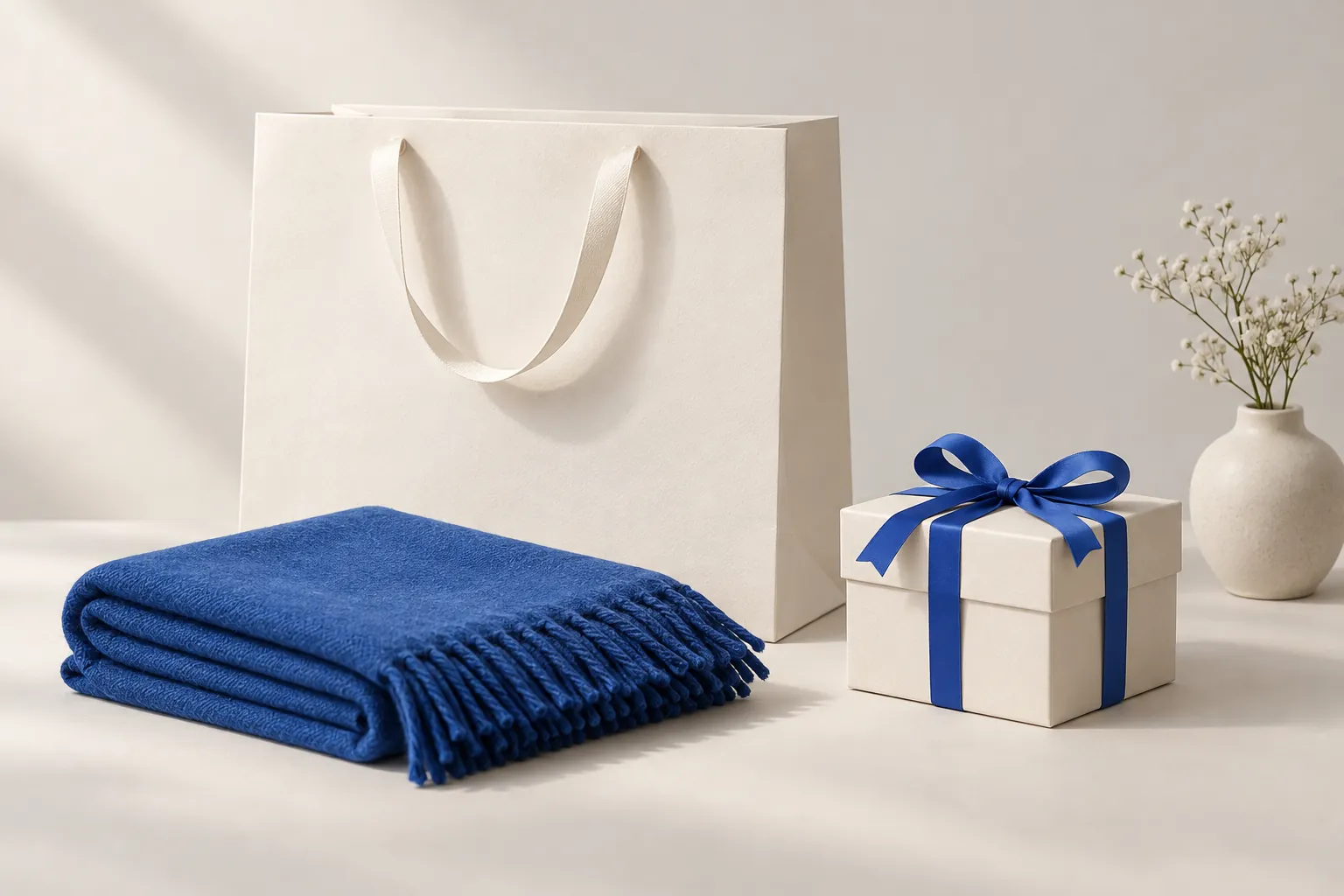
A free gift with purchase should answer three questions before the shopper accepts: what purchase qualifies, which gift is offered and how the gift reaches the cart. A promotion that answers only the first question can still produce confusion when the shopper expects an automatic reward or a choice that the store does not provide.
FairRev has a Free gift configuration and eligibility rules, but a complete gift walkthrough has not been verified. This guide separates FairRev's current configuration from the checks a merchant should complete before launching a promotion. It does not invent automatic gift insertion, automatic removal or a shopper gift selector.
Define the qualifying purchase and gift
Start with an eligibility sentence a customer can understand without interpreting several exceptions. State the qualifying products or basket condition, the exact gift variant, the quantity and any relevant limitation. If the gift only applies after a minimum basket value, decide what value the rule actually evaluates rather than leaving that to the headline.
Use a hypothetical travel pouch promotion to work through the requirement. Identify the selected pouch variant and the purchase that qualifies. Decide whether a shopper must accept the offer or whether the store expects the gift to appear automatically. Those are different experiences, and a selected gift product does not establish both.
Calculate the economics before making the promise. A gift's catalogue price is not its cost to the merchant. Include product cost, packing and any extra shipping or handling. Consider whether the qualifying purchase already has another discount. A basket can grow while contribution falls.
Also decide how the store will communicate stock limits. A free item still needs available inventory and a valid variant. Avoid advertising a gift across the whole store when the configuration only qualifies a narrower context. The terms shown to shoppers should match the actual promotion that will be tested.
Check supported gift selection and shopper behavior
Merchant selection and shopper selection are different features. The current FairRev builder lets the merchant select offered catalogue variants and quantities. The widget's acceptance path adds configured variants after a shopper action. That is not evidence of a reward carousel or a choice among several gifts.
The free gift with purchase Shopify guide explains the offer requirements and FairRev's current limits. The existing ski wax screenshot is a paid accessory offer and cannot be relabeled as a free gift. A gift walkthrough needs its own configuration and zero-price checkout evidence.
Check what the shopper sees before and after acceptance. The card should identify the gift, the requirement and the action to claim it. Then inspect the cart to confirm the right variant and quantity appear. A price of zero in a preview does not establish a zero charge on the final order.
Do not assume that an added gift will be removed automatically if the customer later becomes ineligible. Qualification can change after acceptance, and the relevant code paths may handle discounts and cart lines differently. Test the behavior and explain it honestly. A store should not promise automatic removal or continued free eligibility without observing what actually happens.
Configure the free gift offer
Prepare the selected gift variant, qualifying rule, target placement and shopper wording before editing. In FairRev, the available configuration type is Free gift. The builder includes offered products and conditions for product or variant presence, cart value and cart quantity. The exact rule must be checked against the evaluator and the shopper result.
Write a test table beside the configuration. For every condition, identify one basket that fails, one at the boundary and one above it. If conditions are grouped, confirm which must all hold and which represent alternative paths. A rule that reads correctly in isolation may behave differently when combined with another group.
Save preserves the draft; publishing is separate. Confirm the saved values, preview and live status rather than assuming a save makes an offer public. If the product asks for terms or a publication check, complete those steps and confirm the final offer status. A saved configuration is not a live gift promotion.
The free-gift discount also has to fit the store's discount safeguards. A gift is free relative to its line, but the shop can have limits measured against the cart. Verify the complete qualifying cart rather than assuming a discount label guarantees the intended outcome. This section remains a preparation and verification workflow until a real end-to-end gift test succeeds.
Choose supported placements
A product page can introduce a gift tied to the item being considered. A cart page can make basket qualification easier to understand. A drawer can keep the offer close to checkout, but it also has less space and more integration requirements. Choose the moment that best explains the actual condition.
FairRev includes product, cart and cart-drawer controls. Product and cart placements need app blocks in suitable sections. A drawer needs a compatible adapter, and a successful add must be reflected in the visible drawer. A theme-name prediction is not a completed compatibility test.
Test only the placements you intend to advertise initially. A working gift on a product page does not prove the same journey in a customized drawer. Record the template, theme version and other cart software involved. If the drawer does not refresh, the shopper may think claiming the gift failed even when a line was added.
The placement should preserve access to ordinary shopping. The gift must not obscure the cart total or checkout action. On a narrow screen, the requirement and gift details should remain legible. Keyboard users should be able to accept or decline without losing their place in the purchase journey.
Test eligibility and changes to the cart
Walk qualification in both directions. Add the qualifying purchase, claim the gift and inspect the price. Then reduce quantity or remove the qualifying item and inspect again. Continue through checkout in both states. Do not stop testing at the first successful acceptance.
Try the gift already present before acceptance. Repeat acceptance and reload the page. Inspect whether quantities duplicate, whether the offer is suppressed and whether the final line is still discounted as expected. Test another eligible offer in the same cart so that combined discounts do not violate the store's safeguards.
Inventory and variants need separate cases. Test an unavailable gift variant and a different main-product variant. Confirm that any condition tied to a specific variant does not accidentally qualify a different one. If the shopper can change the gift variant through another interface, verify the effect on the promotion rather than assuming it remains eligible.
Keep evidence from setup, eligible display, changed cart, checkout and order. Label controlled test data clearly. Record an unexpected result as a limitation or blocker, not as an edge case to omit from the article. Before choosing FairRev for this promotion, request its actual gift screenshots and threshold-change demonstration. The currently recorded accessory flow does not establish a complete gift journey.
Understand limitations and related Buy X get Y rules
A gift tied to basket value and a reward tied to product quantity can feel similar to a shopper while requiring different rules. Compare a Shopify Buy X get Y app workflow if the promotion depends on buying a stated number of qualifying items. Do not treat every BOGO variation as the same free-gift configuration.
For Shopify's native rules, the official Buy X get Y documentation, checked 15 October 2026, is the appropriate platform reference. For a native promotion, open Discounts in Shopify admin, choose Create discount and Buy X get Y, then select the automatic or code-based method. Define the qualifying purchase under Customer buys and the gift quantity and products under Customer gets. Select Free for the reward value, review eligibility and combinations, and set the active dates. Customers must add the gift item themselves even when the discount applies automatically. These are Shopify's native controls, checked against that documentation; FairRev's gift behavior needs its own demonstration.
Keep unsupported features explicit. Automatic gift insertion, a shopper reward selector, automatic removal after qualification changes and universal drawer support are not established by the current FairRev evidence. A merchant can decide to use a simpler promotion or another tool when those capabilities are essential.
Also distinguish the promotion from a gift-wrap service. Selecting a gift product does not create a gift message, wrap option or personalized fulfillment process. This guide does not expand into those unsupported workflows merely because they contain the word gift.
Check pricing and attributed billing
FairRev pricing describes the conditional free-plan allowance and the current paid minimum and ceiling. Every available feature is included on each plan. The cost of giving away the product belongs in the merchant's promotion economics; it is different from the app fee.
FairRev attribution matches accepted offered items to eligible order lines. A genuinely zero-priced gift line contributes zero revenue itself. The gift does not automatically make the qualifying products or the entire basket attributable. It is especially important to avoid calling the full qualifying order gift-generated revenue without a rule that actually counts it.
Measure the business outcome separately. Compare acceptance, items per order and contribution while considering what shoppers would otherwise have purchased. Attribution is a record of assigned revenue, not a controlled estimate of incremental lift.
Before launch, require a clear eligibility sentence, a repeatable zero-price checkout, documented behavior when the cart changes and a supportable explanation of the fee. Public installation remains unverified. Contact [email protected] for availability and the missing gift walkthrough instead of relying on an invented successful setup.